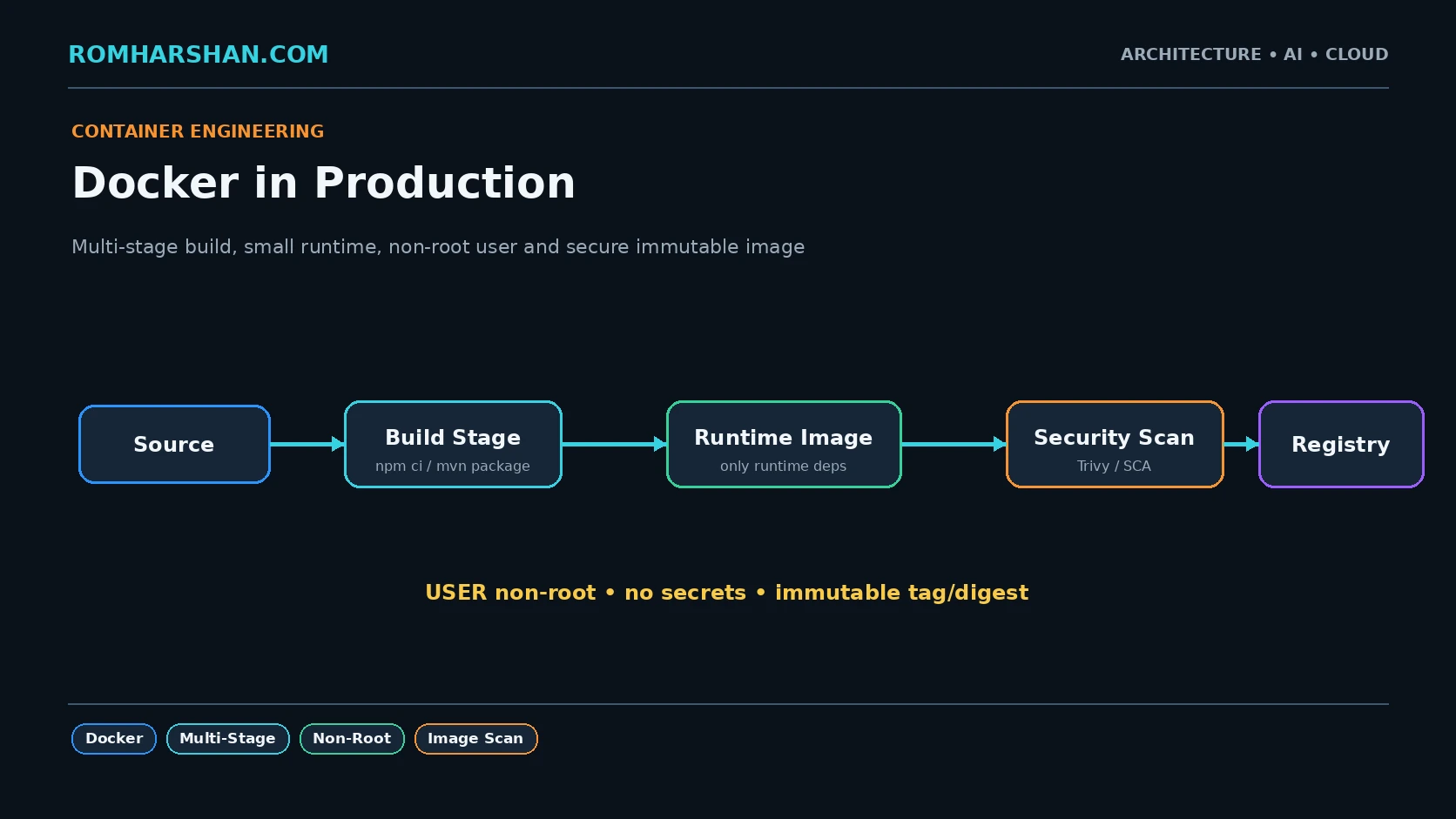
Docker in Production: Multi-Stage Builds, Non-Root Images and Container Security
What containerization solved for me
Before containers, application deployment often depended on server state:
right Node/Java version?
right OS package?
right config?
somebody installed a library manually?
Docker makes the application runtime an artifact.
The rule I follow:
development tools belong in the build stage; only runtime requirements belong in the production image.
NestJS multi-stage Dockerfile
FROM node:22-bookworm-slim AS deps
WORKDIR /app
COPY package*.json ./
RUN npm ci

FROM node:22-bookworm-slim AS build
WORKDIR /app
COPY --from=deps /app/node_modules ./node_modules
COPY . .
RUN npm run build
RUN npm prune --omit=dev

FROM node:22-bookworm-slim AS runtime
WORKDIR /app

ENV NODE_ENV=production

RUN groupadd --gid 10001 app \
 && useradd \
      --uid 10001 \
      --gid app \
      --shell /usr/sbin/nologin \
      app

COPY --from=build \
  --chown=app:app \
  /app/dist ./dist

COPY --from=build \
  --chown=app:app \
  /app/node_modules ./node_modules

COPY --from=build \
  --chown=app:app \
  /app/package.json ./package.json

USER app

EXPOSE 8080

CMD ["node", "dist/main.js"]
I pin image versions more strictly in real release pipelines and track digests.
Spring Boot multi-stage
FROM eclipse-temurin:21-jdk AS build
WORKDIR /src

COPY . .
RUN ./mvnw \
  -DskipTests \
  package

FROM eclipse-temurin:21-jre
WORKDIR /app

RUN useradd \
  --system \
  --uid 10001 \
  app

COPY --from=build \
  /src/target/app.jar \
  /app/app.jar

USER 10001

EXPOSE 8080

ENTRYPOINT [
  "java",
  "-XX:MaxRAMPercentage=75",
  "-jar",
  "/app/app.jar"
]
Why non-root
If the application is compromised, root inside the container increases potential impact.
I run application processes with a dedicated UID and combine that with Kubernetes security context.
.dockerignore
.git
node_modules
.next
dist
coverage
.env*
*.log
README*
This reduces build context and prevents accidental secret/config copying.
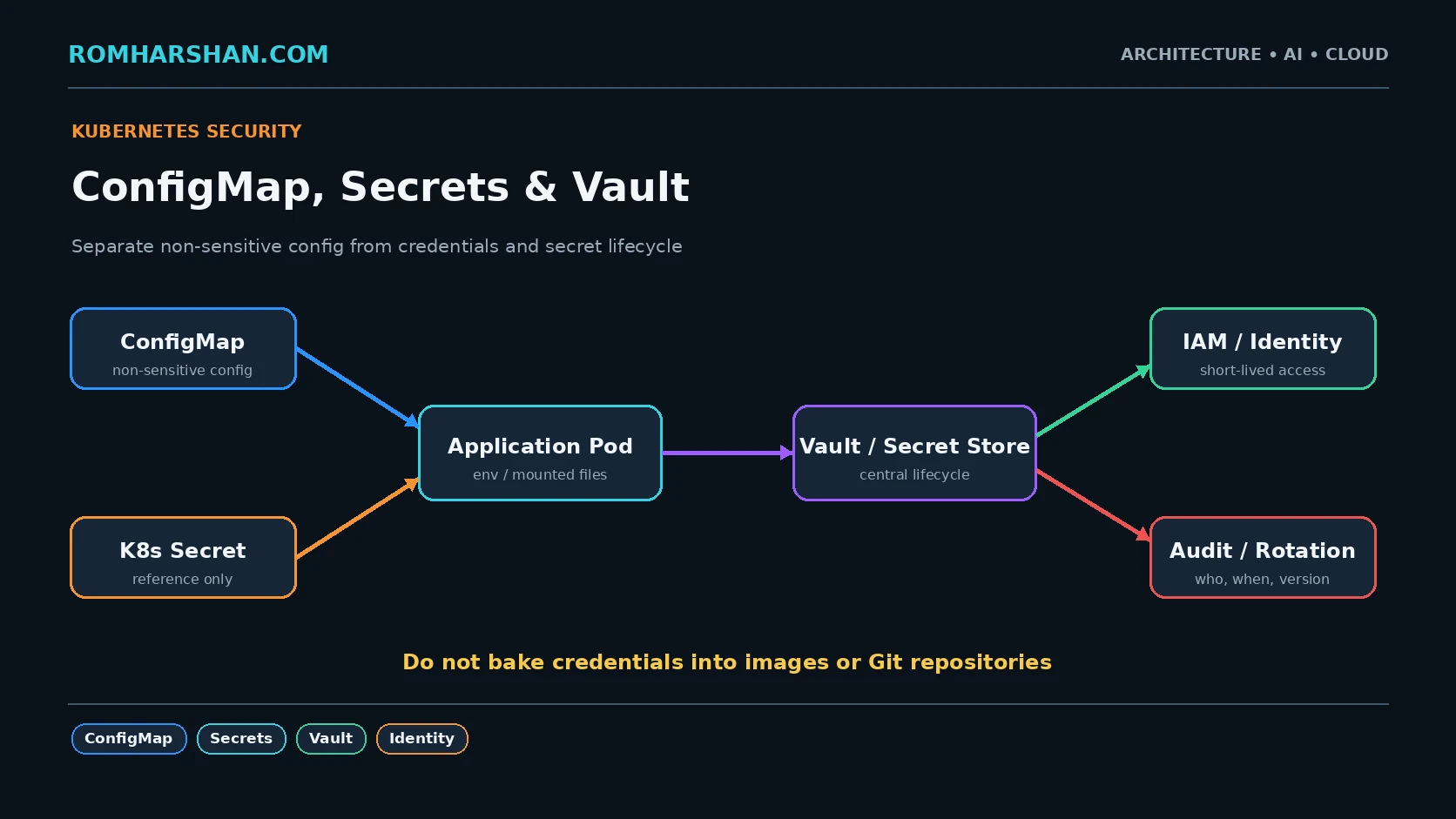
Secrets
Never:
ENV DB_PASSWORD=production-passwordImage layers remain in registries/history.
Secrets arrive at runtime from a secret store.
Image scanning
Pipeline:
trivy image \
  --exit-code 1 \
  --severity CRITICAL \
  registry/booking:${GIT_COMMIT}
I also scan OS and application dependencies.
Reproducibility
Node:
npm cinot uncontrolled install.
Java: lock/centralize dependency versions and build in CI.
One process per container?
I normally keep one application responsibility per container. Sidecars are separate containers in the same pod when infrastructure behavior requires it.
Logging
Application logs go to stdout/stderr in structured form.
{
  "level": "info",
  "service": "booking",
  "requestId": "req-91",
  "message": "booking confirmed"
}
The platform collects logs.
Production checklist
- Multi-stage build.
- Small runtime image.
- Non-root UID.
- No secrets in image.
.dockerignore.- Deterministic dependency install.
- Image scan.
- Immutable tag/digest.
- stdout structured logs.
- Graceful SIGTERM.
- Read-only filesystem where possible.
- Drop Linux capabilities where possible.
FAQ
Alpine or Debian slim?
Both can work. I choose based on library compatibility and security/operational needs rather than image size alone.
Should I run PM2 inside Kubernetes?
Usually Kubernetes already supervises the container process. I prefer one Node process per container and scale pods unless there is a specific reason otherwise.
Is Docker image isolation enough for security?
No. Runtime user, capabilities, seccomp, network policy, secrets and cluster security also matter.
Related architecture guides
- [Docker to Kubernetes: Containers I Have Used in Real Enterprise Projects](/articles/docker-kubernetes-containers-real-enterprise-projects)
- [ECS Fargate](/articles/aws-ecs-fargate-containers-production)
-
Kubernetes Production Readiness
Architect's final take
The Dockerfile is part of the production architecture. A secure, reproducible runtime artifact makes every later deployment pattern more reliable.
Your feedback helps prioritize deeper technical content.

Romharshan Singh
Senior Solution Architect and Full Stack Technology Leader with 20+ years of enterprise engineering experience across AI, cloud, distributed systems, Java, Node.js, React, Angular, Kafka and Kubernetes.